From the first account
to full control of sales
Replace disconnected tools with one workspace. Prepare accounts, find audiences, start conversations and manage your team inside AdviGo.
Try the full versionStart with the task you need.
Everything else is already there.
Use each stage independently or combine them into one complete Telegram workflow for your team.
Keep the entire infrastructure under control
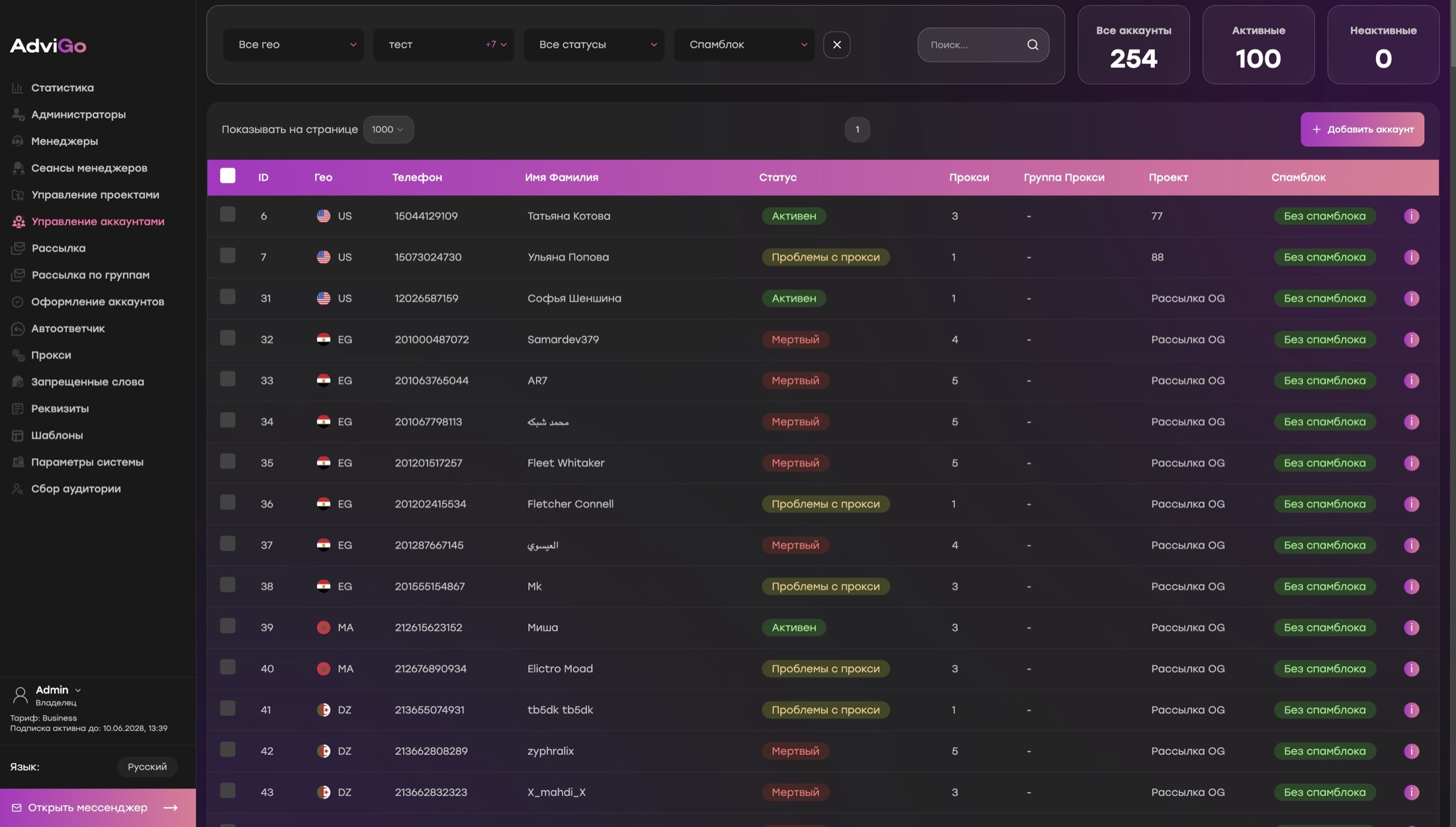
Add accounts, assign proxies, organise them by project and see their current status immediately.
- Account statuses
- Projects and locations
- Proxies and proxy groups
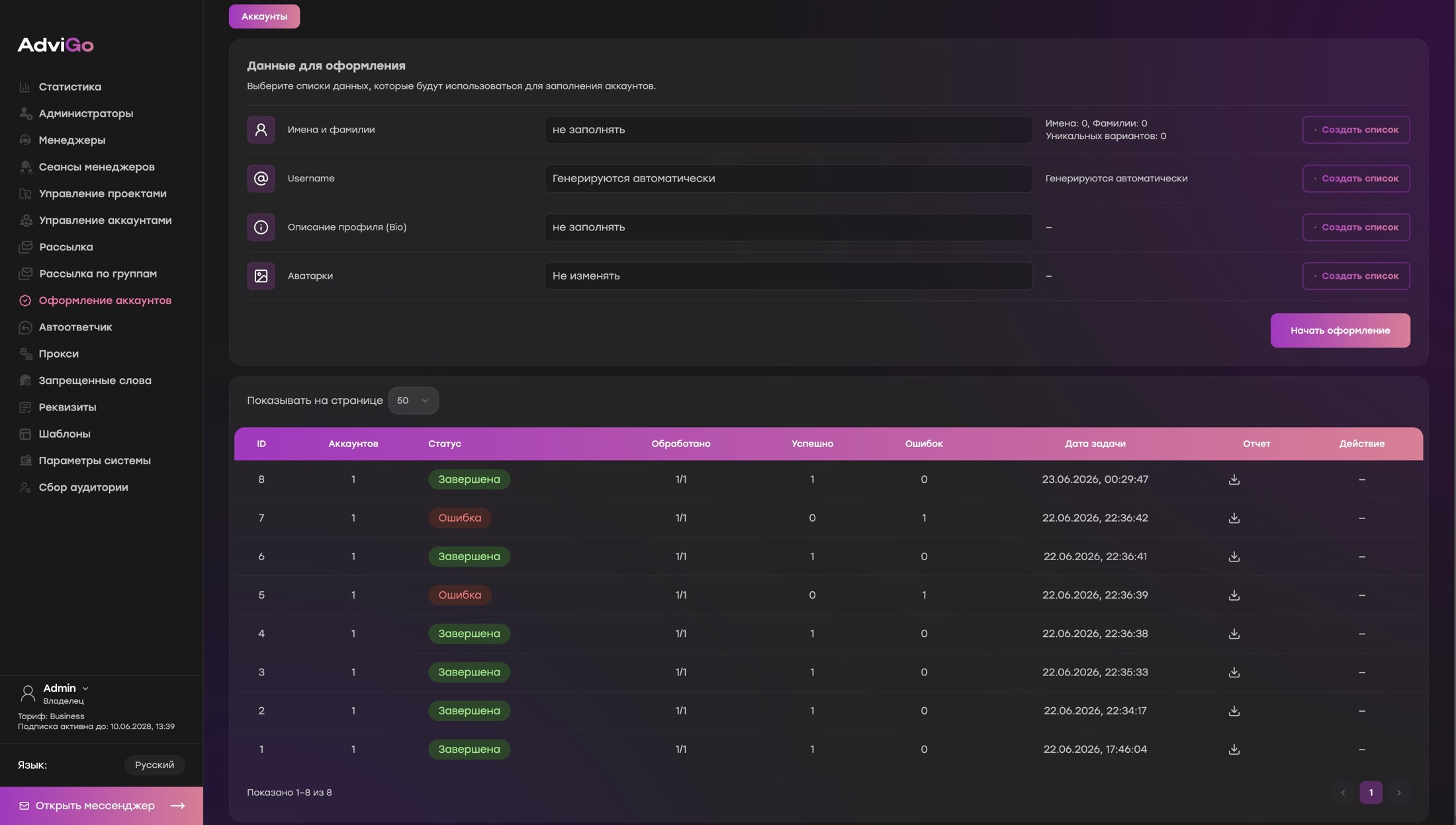
Set up profiles in bulk
Fill names, bios and avatars for selected accounts. AdviGo also helps generate available usernames.
- First and last names
- Bios and avatars
- Username availability check
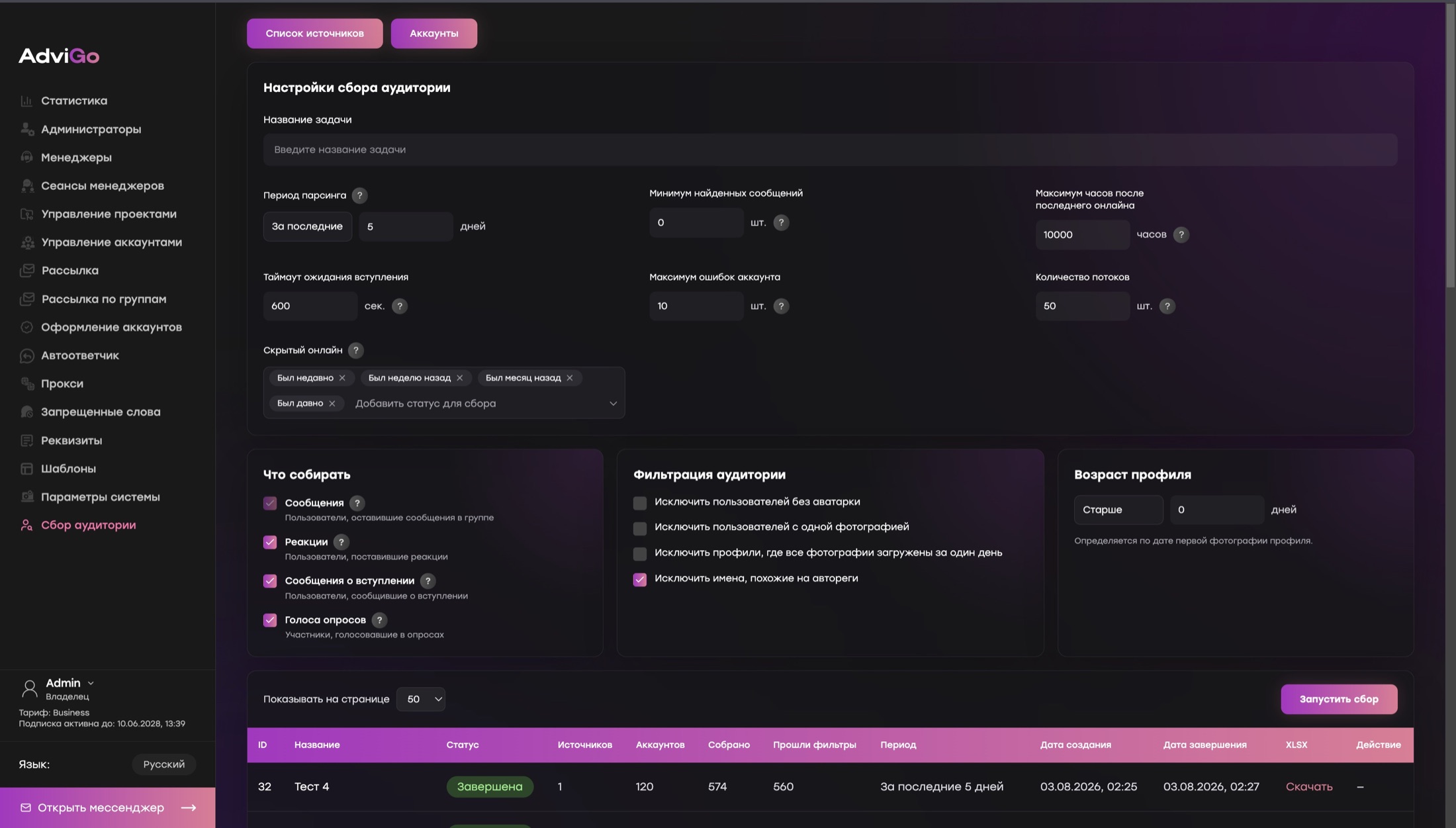
Find people who are already active
Collect users by messages, reactions, joins and poll votes, with filters and XLSX export.
- Messages and reactions
- Joins and polls
- XLSX export
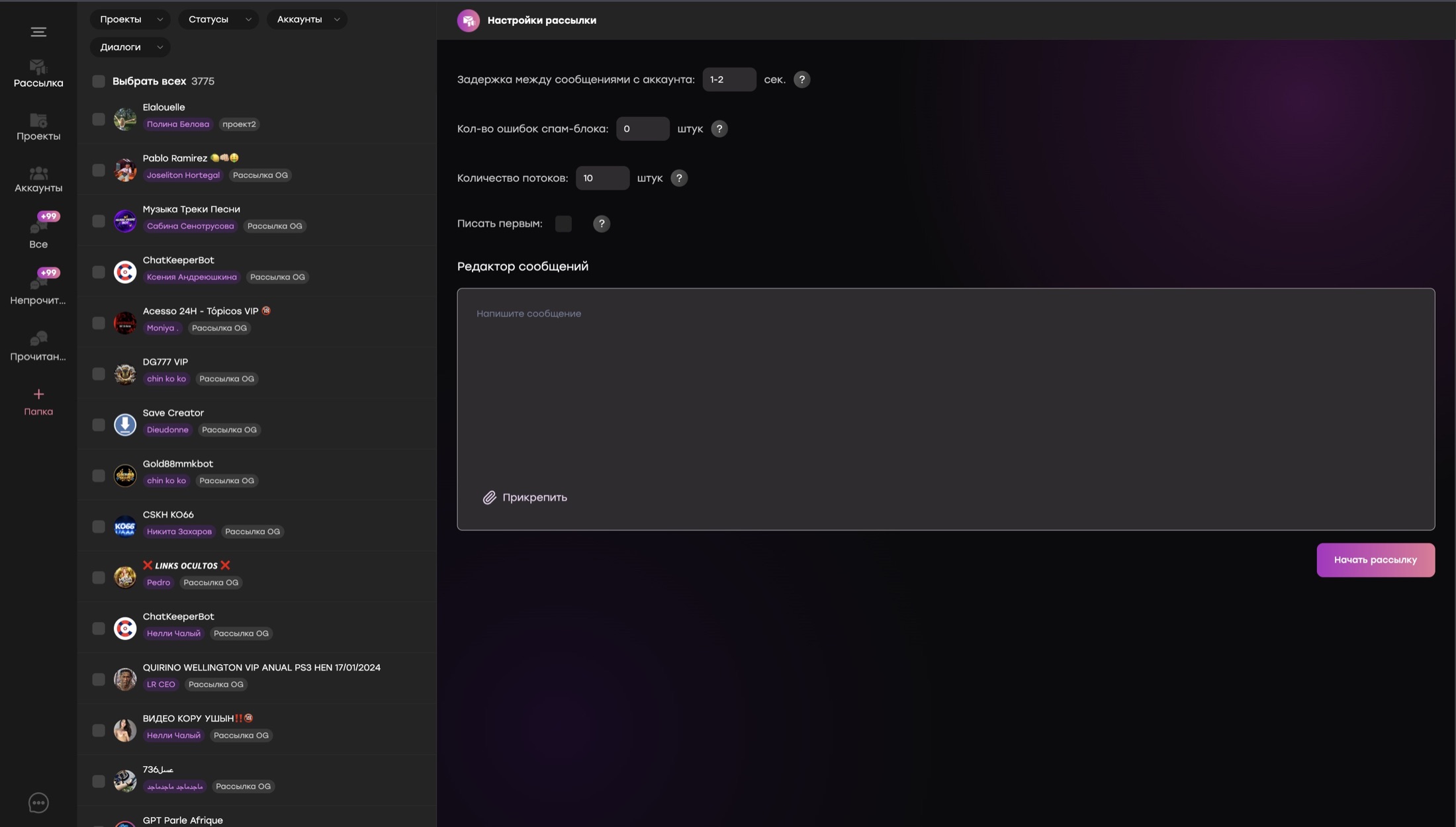
Choose the right way to make contact
Message your list, return to open conversations or run recurring posts in group chats.
- Flexible launch settings
- Recipient filters
- Result reports
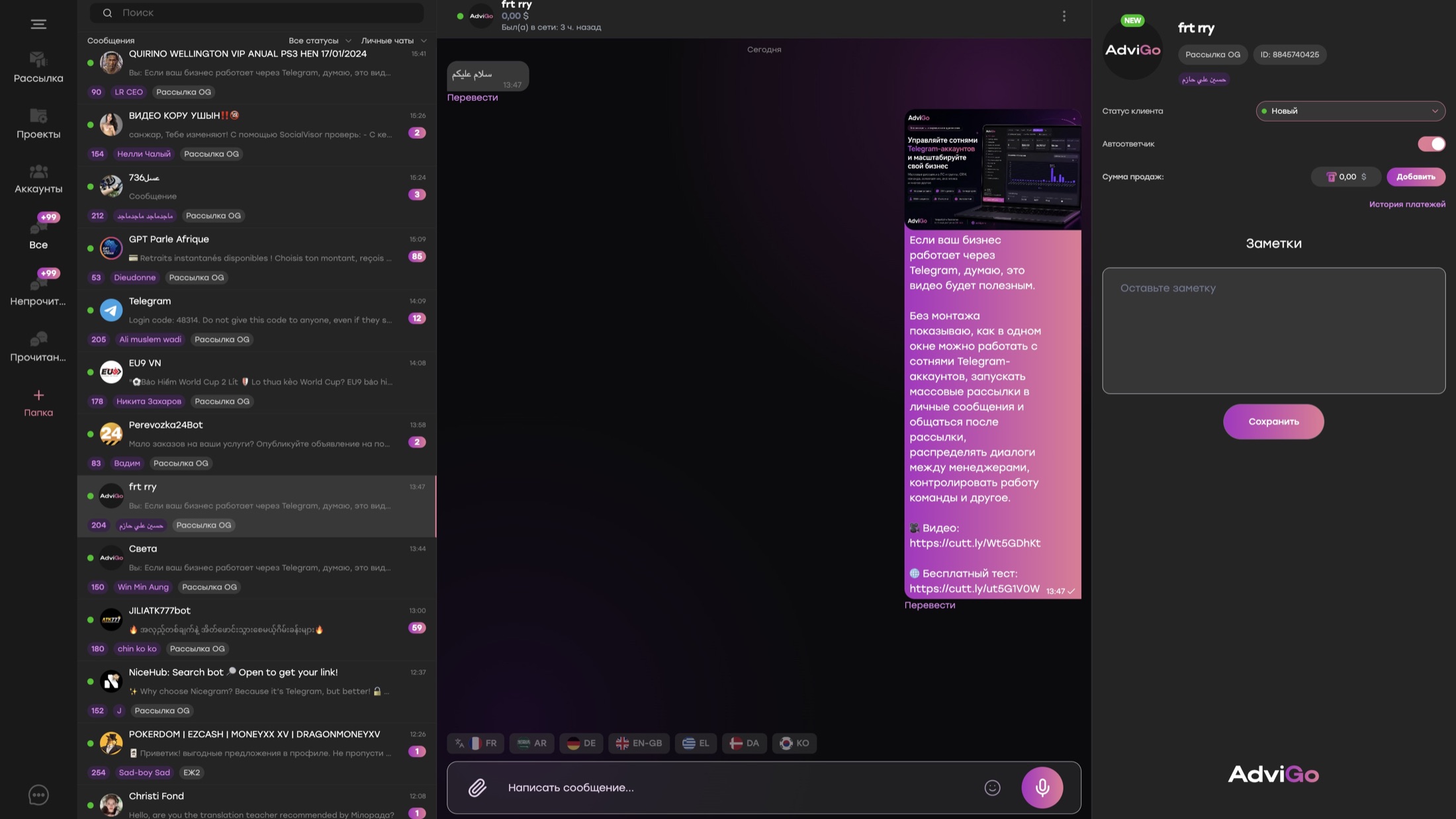
Handle every conversation in one window
Managers communicate from the right accounts, translate messages, update statuses and record sales beside the conversation.
- Private and group chats
- Message translation
- Statuses, notes and sales
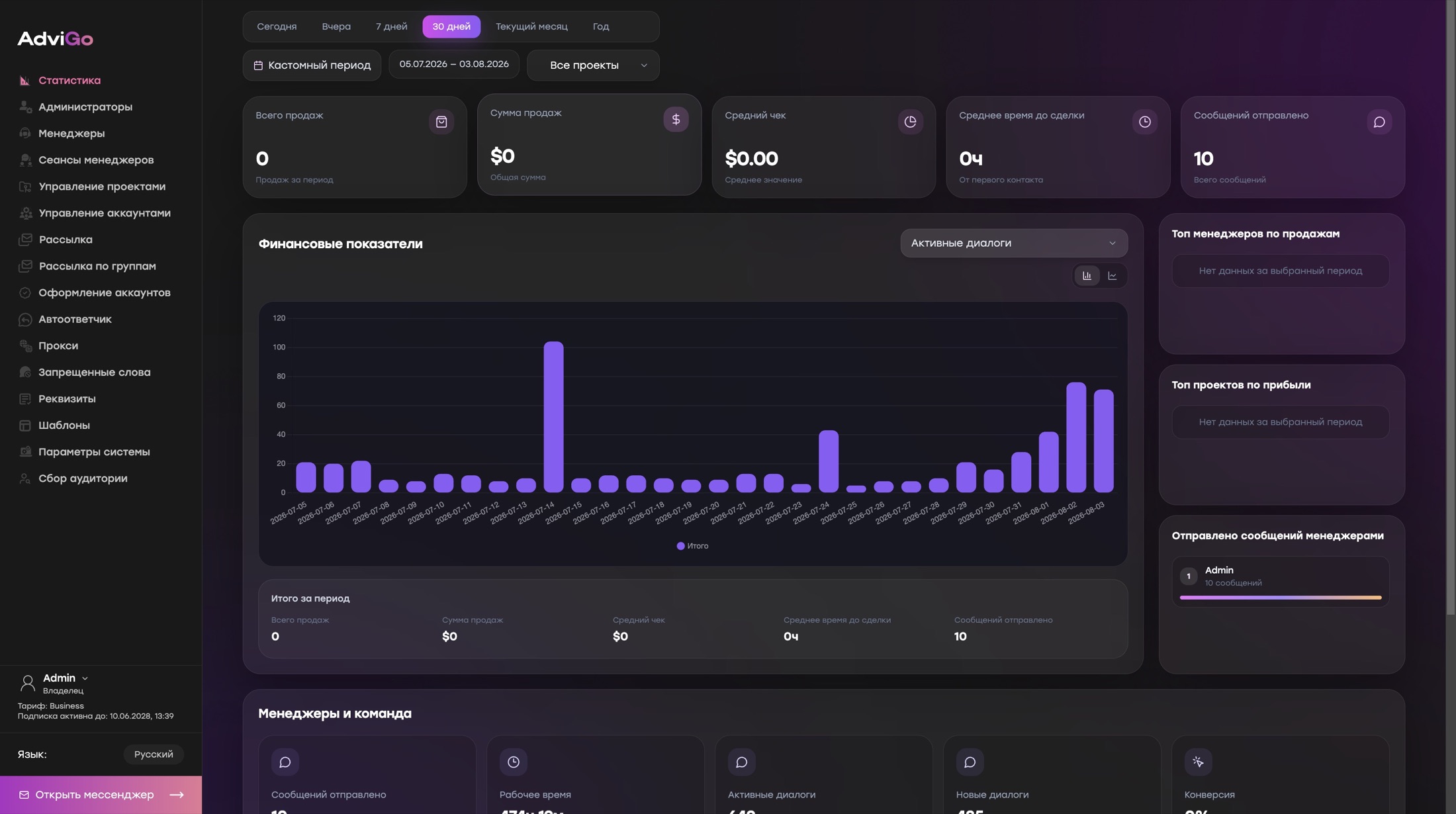
Know what is happening across the team
Track workload, active conversations, sales and speed by period, project or manager.
- Team workload
- Sales and average order value
- Time to first sale
Your team talks to customers,
while everything else runs in parallel
AdviGo does not make one operation wait for another. Managers, the owner and background tasks can work at the same time.
Several team members handle conversations
Direct messages follow your settings
Sources are checked in parallel
Customers receive a fast first reply
Recurring outreach runs in groups
Analytics update for ongoing control
Try AdviGo
in action
Get the full version for 24 hours, open the modules you need and evaluate the experience with your team.