Which outreach formats does AdviGo support?
Mass direct messaging, outreach in open conversations and recurring messages in group chats are available.
Send direct messages, follow up in open conversations and post to group chats. Manage accounts, sending settings and replies from one AdviGo interface.
The problem usually lies not in a single action, but between accounts, tasks and replies.
Contact lists, accounts, sending and replies end up scattered across different tools and files.
After a launch, managers manually switch between Telegram accounts to find new conversations.
Without a shared structure, it is difficult to see which audience and workflow generated useful conversations.
Each module handles a specific task, while your data stays within one working system.
Direct messages to your contact list, follow-ups in open conversations and recurring group posts.
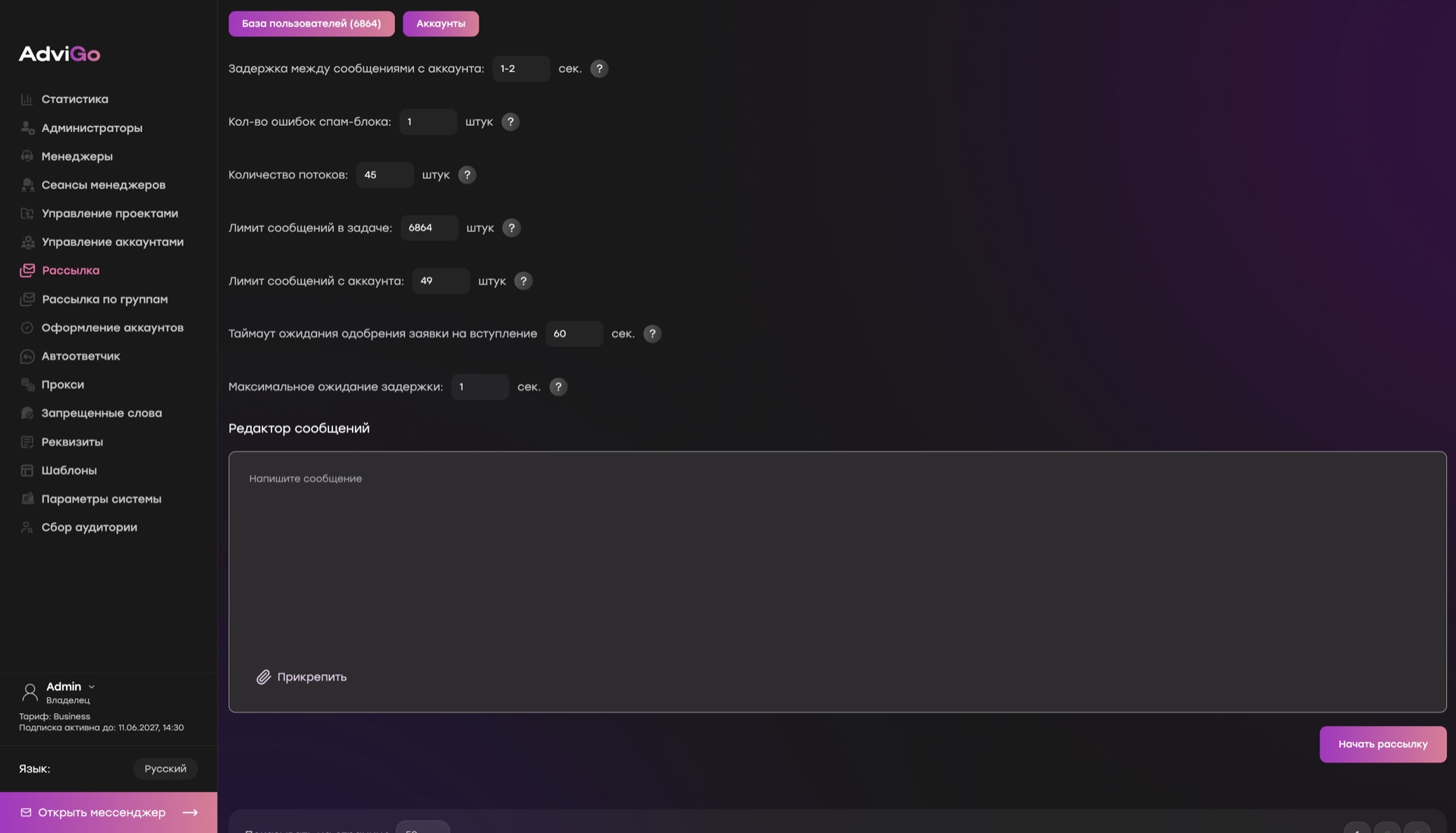
Choose accounts and set delays, threads and limits for each task.
Replies from connected accounts arrive in one window for your team to handle.
Handle the first contact automatically and save proven wording for reuse.
Organize accounts into projects, assign proxies and upload the right audience segment.
Create a task for direct messages, open conversations or group chats.
Continue in the multi-account messenger, keeping status and context alongside each conversation.
Mass direct messaging, outreach in open conversations and recurring messages in group chats are available.
Yes. Your plan determines the number of accounts and users available, and every paid plan includes all modules.
Replies from connected accounts arrive in a shared multi-account messenger, so conversations can continue without constantly switching sessions.
Yes. The full version of AdviGo, including all modules, is free for 24 hours.
The full version of AdviGo is available for 24 hours before payment.