A daily Telegram outreach report is not there simply to confirm that messages are being sent. Its purpose is to reveal quickly where a problem has appeared: the contact list, accounts, copy or the sales team's work.
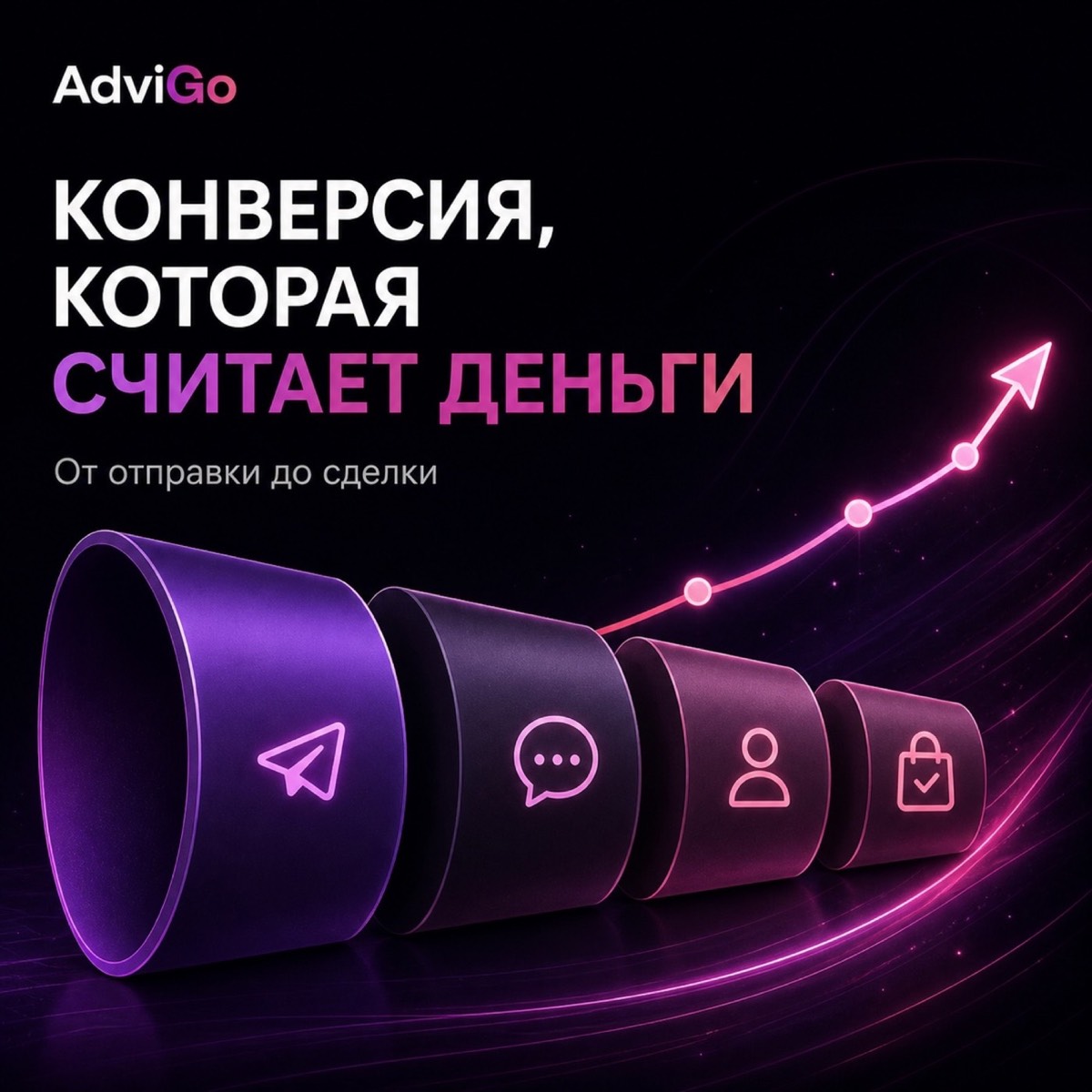
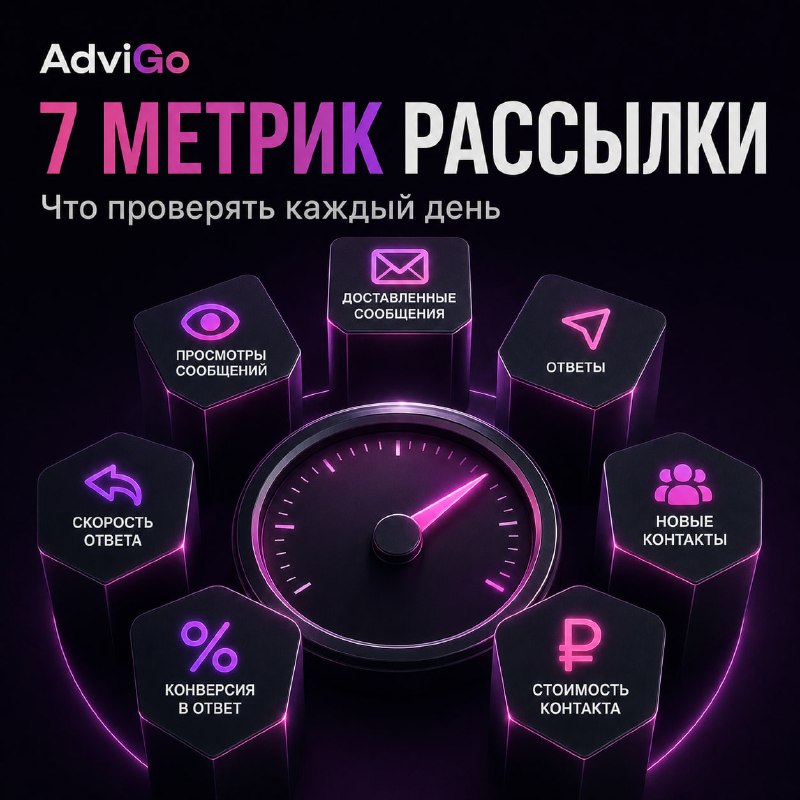
You do not need to track dozens of indicators. A handful of metrics that form one funnel, from the uploaded audience to a commercial outcome, is enough.
1. Contacts processed
The first metric is the number of contacts actually included in outreach that day.
If you planned to reach 10,000 users but the campaign reached only 6,000, investigate the reason before evaluating conversion.
The difference may be due to list size, the number of functioning accounts or technical problems. This metric answers a simple question: is the campaign operating at its planned volume at all?
2. Conversations started
The size of an uploaded list says little about a campaign's actual activity. What matters more is how many contacts resulted in conversations being started.
A sharp drop in this metric with an unchanged list is a reason to check accounts and infrastructure.
AdviGo lets you manage large numbers of Telegram accounts from one interface and assign them to projects. See the “Account management” section for more details.
3. All replies
The next level measures how many users reacted to the message at all.
This metric quickly reveals changes in the audience or message. For example, if outreach volume is unchanged but replies drop substantially, check the new segment or message version.
However, total replies cannot be the main outcome. “Interesting, tell me more” and “do not message me” both count, although they have very different value for the business.
4. Relevant replies
Count reactions that actually demonstrate interest separately.
Each business defines what counts as a relevant reply. It might be a question about terms, a request for details or agreement to continue the conversation.
What matters is that all representatives follow the same rule. Otherwise, one employee may count almost every reply while another counts only explicit purchase enquiries.
AdviGo user statuses make these stages easy to record.
5. Qualified leads
A relevant reply does not yet mean the user is a good fit for the business.
The conversation may reveal that the person lacks the relevant need, budget, authority or another required condition. The next important metric is therefore the number of qualified leads.
This is where list quality becomes particularly clear. One segment may generate many replies but few suitable customers. Another replies less often but qualifies more frequently.
6. Sales response time
Successful outreach can create its own problem: more replies than the team can handle.
If users show interest but wait too long for the conversation to continue, potential leads are lost after a successful first message.
Track not just conversation volume but whether the team keeps up. If outreach grows and so does the queue, the bottleneck may be sales capacity rather than marketing.
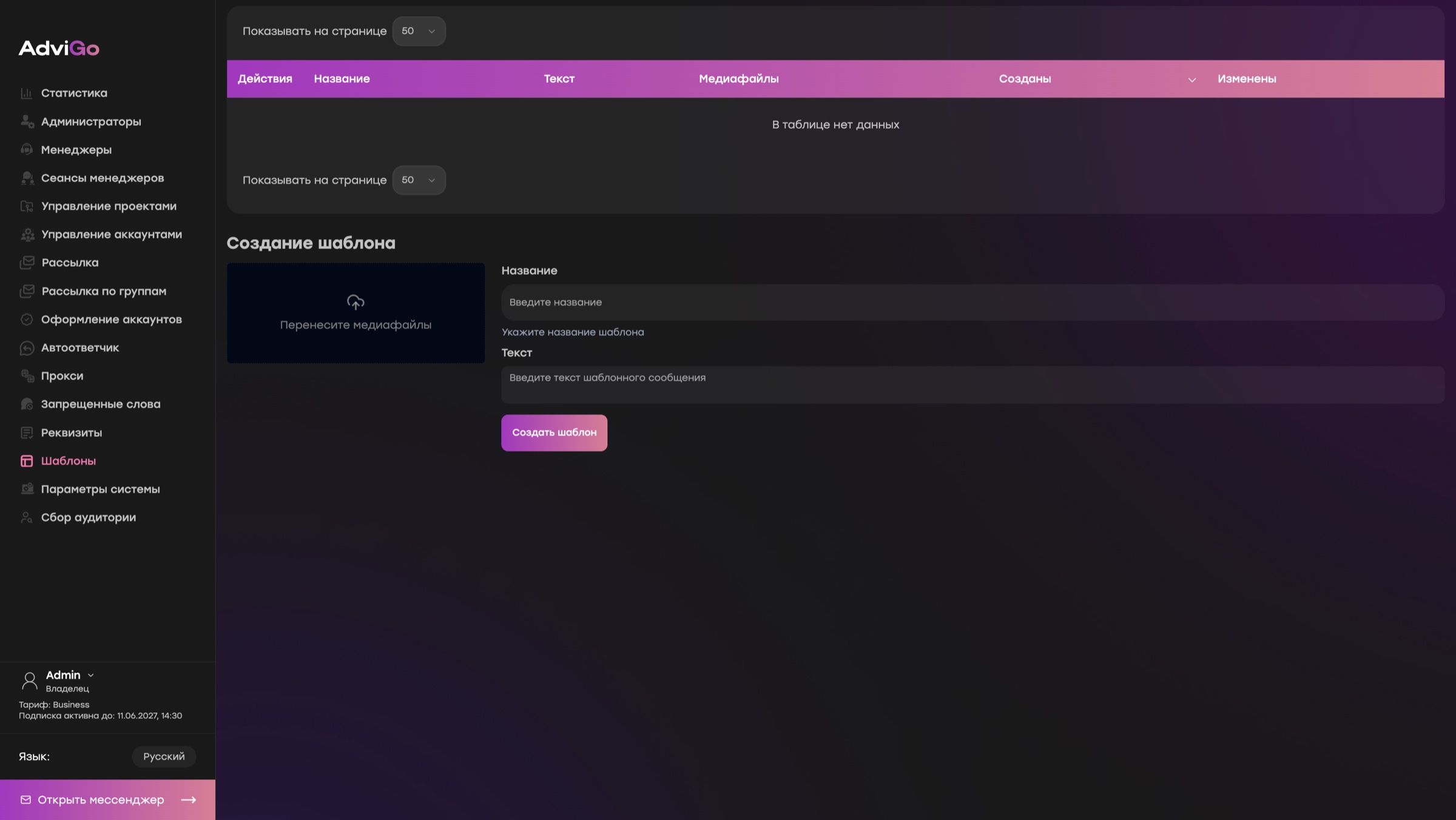
AdviGo automated replies and templates reduce repetitive work, but promising conversations still need to reach a representative in time.
7. Progress to the next commercial step
The final metric connects outreach directly to a business outcome.
For one project, that step may be a booked demonstration; for another, a registration, enquiry, call or sale.
Consider two campaigns. The first receives 100 replies and produces five demos. The second receives only 60 replies but produces ten demos. Judged by response volume, the first wins. Judged by the actual next step, the second wins.
Optimize outreach to move users through the funnel, rather than maximize messages and replies.
How to bring these metrics together in AdviGo
For analytics to be useful, first establish a consistent set of statuses for the team. Representatives must agree on when a user counts as a relevant reply, becomes a qualified lead and reaches the next step.
Then analyze results in AdviGo's Statistics section. It shows not just the number of conversations but how they move through the funnel.
If outreach volume or conversations started change sharply, check account health separately. This helps distinguish a technical problem from declining audience or message performance.
Read the metrics as a chain
Each metric answers a different question.
If fewer contacts are processed, check the launch and accounts. If volume is stable but replies fall, examine the segment and message. Plenty of replies but little relevant interest points to the offer. Interest without qualified leads calls for a closer look at audience quality and sales handling. Leads that stall before the next step require investigation of the sales process itself.
Connecting the metrics helps locate the weak point quickly, instead of rewriting messages or adding accounts every time.
AdviGo combines accounts, conversations, statuses and statistics in one system. The daily report becomes a diagnostic tool rather than a collection of figures: the team sees where the problem emerged and what to check first.