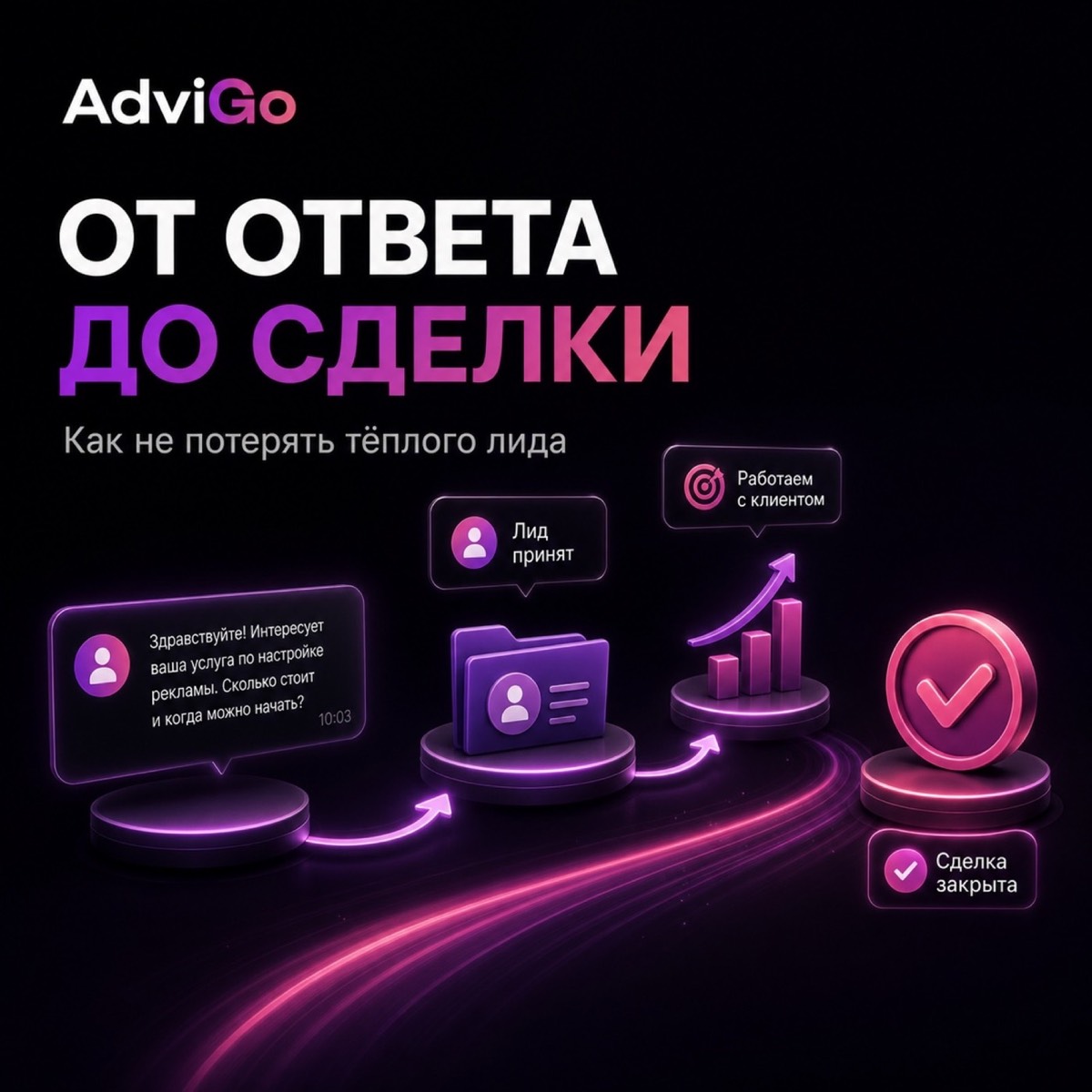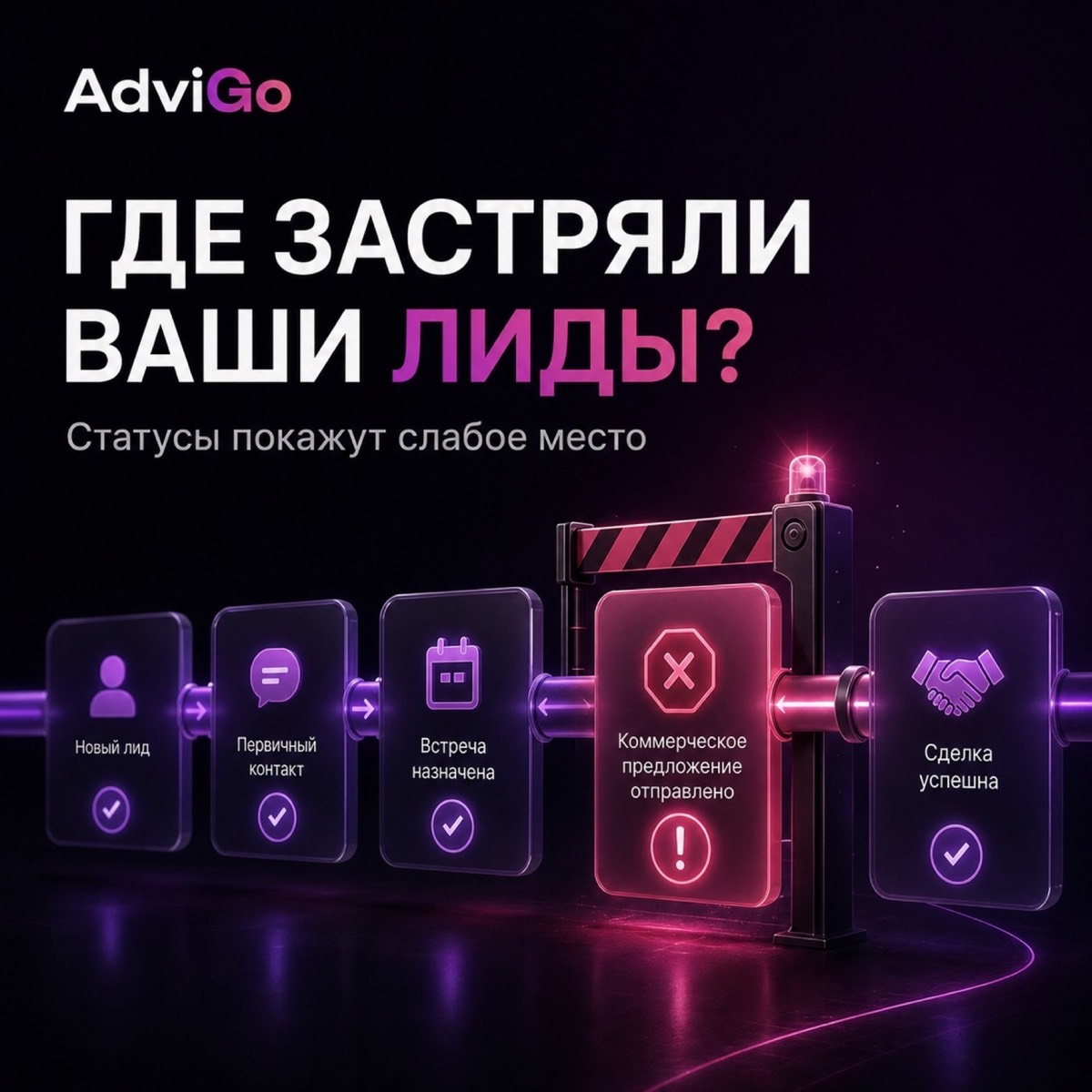
When a team works with statusless Telegram responses, each dialogue exists on its own. Managers see correspondence, the head sees the flow of messages, but it is already difficult to quickly understand where leads are lost. It is not clear how many users are waiting for the first answer, how many are in the qualification stage, and how many have hung after interest and have not reached the next step.
Statuses are not for beauty in the interface. They turn a set of dialogues into an understandable process that can be analyzed and improved.
Build statuses around actions
Good status always answers a simple question: what should happen next? If the dialogue is “New answer”, the manager needs to open correspondence and join the conversation. If there is a "Qualification", then you need to clarify the key data. If the “Next step is assigned”, then a specific action has already been agreed with the client. If “Waiting for the customer”, the team understands that it is necessary to re-contact at the specified time.
The problem begins where statuses become too vague. Wordings like “warm,” “interesting,” or “thinking” may sound familiar, but they don’t help you figure out what to do next. One manager will set this status after a short question from the client, the other - only after full interest. As a result, statistics become inaccurate and communication between employees becomes more difficult.
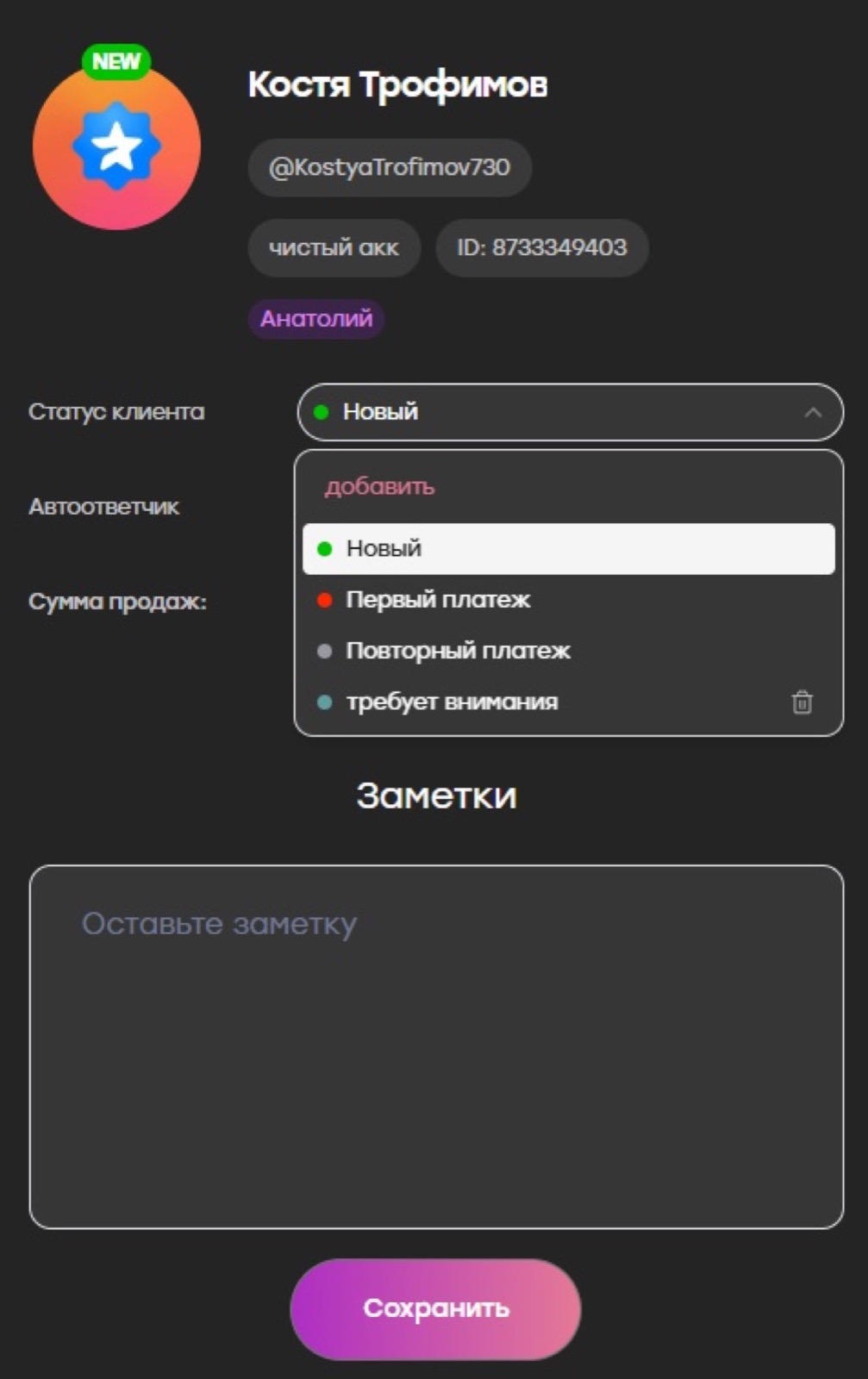
(By the way: In AdviGo, the status changes right in the dialog window, so the manager can immediately fix the next stage of work with the user.)
Don’t create too many stages.
The most common mistake is trying to describe everything with statuses. It seems that the more detailed the funnel, the more accurate the analytics will be. In practice, it turns out the opposite: managers begin to get confused in similar states and less often update dialogues.
At the start, a few clear stages are enough. For example, a new response, target interest, qualification, next step, deal, and rejection. Sometimes they add client expectation, if there are many postponed dialogues. This is enough to see the movement in the funnel and understand where the delays appear.
A new status should be added only when it is really needed for a separate solution. If without it, the leader can not understand what to improve, then the stage is most likely superfluous.
Identify clear transition rules
In order for the statuses to show the real picture, the team must have a similar understanding of when the user moves from one stage to another. Otherwise, one manager will consider the lead qualified after the first answer, and the other - only after clarifying all the conditions.
Therefore, each status should have a simple and formal criterion. For example, a user is considered qualified only after the manager has confirmed the task, deadlines and other mandatory parameters. The next step is considered assigned only if the client has agreed to a specific action rather than simply writing "interesting."
You don’t have to make a long schedule. To begin with, a short instruction and a few examples for the team are enough. This greatly reduces discrepancies and makes analytics more useful.
Look for a place where the crater stops.
The main benefit of statuses becomes noticeable when the leader looks not at individual correspondence, but at clusters of dialogues in stages.
If a lot of calls remain in the status of “New Answer”, then the team does not have time to join the conversation in time or the load is distributed unevenly. If users often reach qualifications but rarely move on to the next step, the problem may be the offer, the manager’s argumentation, or the threshold for continuing communication is too high. If dialogs are stuck in the status of “Waiting for a customer”, perhaps the team does not understand the rule of repeated touches.
Statuses are not just for order. They help to see exactly where the bottleneck is: in response speed, in interest processing or in the next step after qualifying.
In AdviGo, a combination of statuses and statistics is especially useful. Statuses show where the user is, and statistics help to see the overall picture of the project and the team.
Compare the same areas, not everything.
When a leader first starts looking at statuses, it is tempting to draw conclusions too quickly. For example, one manager holds a lot of dialogue in a qualification, while another one translates almost everything further. But without context, such a picture can be deceptive.
One employee could work with a warmer audience and another could work with a colder segment. One project could receive a lot of initial responses, and the other one could receive more qualified users. Statuses are therefore useful to analyze along with traffic source, project, and period.
In AdviGo, it is more convenient to do this through filters and statistics. This means that the problem is common to the entire team or concerns only one segment, project or manager.
Control not all dialogues, but exceptions
Statuses only work when the team updates them on time. But this does not mean that the manager has to manually read each correspondence.
It is more practical to follow the exceptions. For example, look at how many new answers are left without movement, which leads are long in the same status and where active dialogue has not received the next step. It is these situations that require the attention of the team or leader.
Inside AdviGo, this is more convenient, because the work with dialogues, comments and statuses is conducted in the same system. The manager sees not just a set of messages, but a clear structure where you can quickly find hanging parts of the process.
Statuses turn correspondence into a controlled funnel
Without statuses, the leader often feels the problem, but can not quickly localize it. It seems that "leads go slow" or "managers don't squeeze," but it's unclear exactly where the loss lies.
When a team uses statuses the same way, the picture changes. You can see how many dialogs are waiting to be answered, how many have reached qualifications, where users are hanging out, and at what stage conversions begin to fall.
AdviGo helps to make this part of the daily work: managers conduct dialogues in one window, change statuses, leave comments, and the head checks the big picture through statistics. Then the status ceases to be a color label and becomes a tool that shows the weakness of the funnel and helps to fix it faster.